
In this article, we break down key considerations, best practices, and practical tips to help businesses make informed decisions about their office technology and communication systems.
Stop Babysitting Your Scanner: The Ricoh SD Series Document Feeder Actually Works
If you've ever had to scan a stack of mixed documents—receipts, ID cards, regular paper, thick cardstock—you know the drill:
Scan the regular pages through the feeder. Stop. Manually place the ID card on the glass. Scan. Stop. Back to the feeder for more pages. Stop again for that weird-sized receipt.
By the time you're done, what should've taken 5 minutes took 30, and your back hurts from leaning over the copier.
There's finally a better way, and it's called the Ricoh SD Series document feeder.
What Makes the Ricoh SD Series Different (And Why You Should Care)
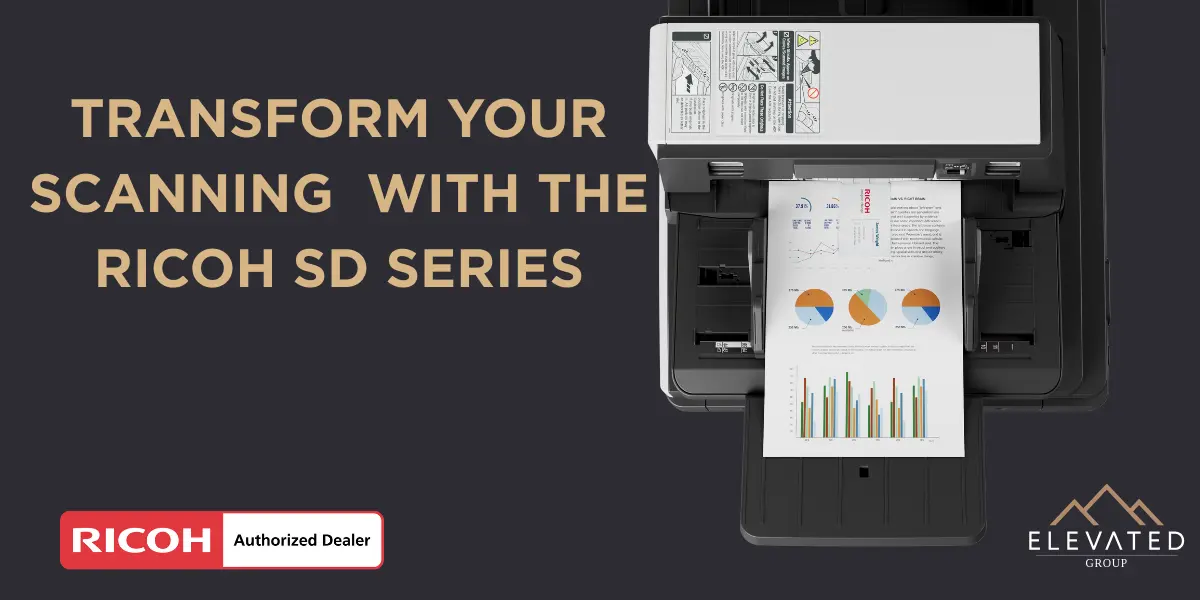
The Ricoh SD Series (models IM C3510SD, IM C4510SD, and IM C6010SD) includes a revolutionary straight-path Single-Pass Document Feeder (SPDF) that changes everything about high-volume scanning.
Here's what that actually means for your business:
You can scan literally anything through the feeder.
Plastic ID cards. Credit cards. Thermal receipts. NCR forms. Thick cardstock. Thin paper. Different sizes. Different orientations. All mixed together in one batch.
No sorting. No manual intervention. No stopping every 30 seconds to deal with special documents on the exposure glass.
Just load your stack, press scan, and walk away.
The Problem with Traditional Document Feeders
Most office copiers use a curved-path feeder. Paper goes in, curves through the scanner, and comes out the other side. This works fine for standard 8.5x11 paper, but it's terrible for:
- Rigid items (plastic cards, laminated documents) - they jam or damage the feeder
- Fragile materials (thermal paper, old documents) - they tear or crumple
- Mixed sizes (receipts with full-size pages) - misfeeds and alignment issues
- Thick or thin stock - constant jams
The result? Your team wastes hours manually placing special documents on the glass one at a time, or worse, you're paying someone to sit there all day scanning.
Traditional curved-path feeders result in downtime due to physical sorting, frustrating paper jams, and misalignment of scanned images.
How the Ricoh SD Series Straight-Path Feeder Fixes Everything
The SD Series uses a straight paper path with production-class scanner technology from PFU (Ricoh's high-end document scanner division). Here's what that gets you:
1. Scan Mixed Media Without Sorting
From thin cash register receipts to fragile thermal or carbonless paper to rigid ID cards, the SPDF accepts almost anything in its feeder.
Load your entire stack—cards, paper, receipts, whatever—and the scanner handles it. No pre-sorting required.
2. Dramatically Fewer Jams
The straight path eliminates the curves and turns that cause most jams. Less downtime, less frustration, less wasted time unjamming the machine.
3. Automatic Everything
The SD Series automatically detects irregularities and makes orientation and skew adjustments, producing correctly sized images instantly.
Mixed orientations? Portrait and landscape together? Different page sizes? The scanner figures it out automatically.
4. High-Speed Production Scanning
The 300-sheet SPDF delivers rapid scanning speeds of 200 images per minute, making it easy to digitize large volumes fast.
That's both sides of 100 sheets per minute. Even complex, mixed-media batches move quickly.
5. Built-In Intelligence
The 10.1" Smart Operation Panel shows you exactly what's being scanned in real-time. Auto-deskew, auto-crop, auto-orientation—it just works.
Who Actually Needs This?
The Ricoh SD Series makes sense if your business deals with:
Healthcare Offices
Scanning insurance cards along with patient forms, referrals, and medical records. No more switching between feeder and glass 50 times a day.
Legal Firms
Mixed document types are standard—contracts, receipts, business cards, court documents. Scan entire case files in one batch.
Hospitality & Property Management
Guest IDs, credit cards, rental agreements, invoices—all different formats, all need scanning quickly.
Accounting & Finance
Receipts of every size and condition, checks, invoices, statements. Stop manually placing each receipt on the glass.
Government & Education
High-volume document processing with strict requirements for accuracy and compliance. The SD Series delivers both.
Anyone Who Scans More Than 2,500 Pages/Month
If scanning is a regular part of your workflow and you're tired of the manual babysitting, this is built for you.
Real Business Impact: Time and Money Saved
Let's do some quick math:
Old way:
- Scan 100 mixed documents (cards, receipts, regular pages)
- Stop 30+ times to manually place special items on glass
- Deal with 5-10 jams
- Total time: 45-60 minutes
With Ricoh SD Series:
- Load all 100 documents in feeder
- Press scan
- Walk away
- Total time: 10 minutes
That's 50 minutes saved per batch. If you're scanning multiple times per day, that's hours back in your week—hours your team can spend on actual work instead of fighting with a scanner.
And fewer jams means less downtime, which means your business keeps moving when deadlines hit.
The Full Package: Not Just a Better Feeder
The SD Series isn't just about the document feeder. You're getting a complete production-level multifunction printer with:
- 60 ppm print speeds (on the C6010SD)
- 1200 x 1200 dpi resolution for professional-quality output
- Advanced security with TPM 2.0 encryption and Ricoh Always Current Technology
- Cloud integration with Google Drive, Dropbox, OneDrive, and more
- Mobile printing from smartphones and tablets
- Customizable workflows through Ricoh Smart Integration
It's built for businesses that need serious scanning capabilities and high-quality printing, copying, and faxing in one reliable machine.
How Elevated Group Makes This Easy
At Elevated Group, we help businesses figure out if the Ricoh SD Series makes sense for their needs—or if a simpler (and cheaper) solution works better.
Here's how we approach it:
1. We Ask About Your Actual Workflow
What are you scanning? How often? What types of documents? Are you dealing with mixed media or just standard paper?
If you're scanning 500 standard pages a month, you don't need production-class scanning. We'll tell you that upfront.
But if you're scanning thousands of pages with mixed formats and your team is wasting hours on manual scanning? The SD Series might save you serious time and money.
2. One Flat Rate, Everything Included
When you lease through Elevated Group:
- ✅ The machine (Ricoh SD Series)
- ✅ Toner and supplies
- ✅ Service and maintenance
- ✅ Setup and training
- ✅ Cloud monitoring
- ✅ Support from real humans
- ✅ Machine replacement if needed
No surprise toner bills. No "$400 per service call" nonsense. One predictable monthly rate.
3. Support That Actually Shows Up
Questions about scanning settings? Document feeder jams? Workflow optimization?
You're talking to our team—people who know your account and your setup. Not a 1-800 maze.
4. Honest Recommendations
If the SD Series is overkill for your needs, we'll tell you. If a mid-range copier with a standard feeder works fine, we'll recommend that instead.
We're not here to upsell you on equipment you don't need. We're here to match you with what actually works for your business.
Is the Ricoh SD Series Right for You?
This makes sense if:
- You scan high volumes regularly (2,500+ pages/month)
- You deal with mixed document types (cards, receipts, thick/thin paper)
- Manual scanning is eating up hours of productive time
- You need production-class reliability and speed
- Document accuracy and workflow efficiency matter to your business
This is probably overkill if:
- You only scan occasionally (a few hundred pages/month)
- All your documents are standard 8.5x11 paper
- You don't have budget for production-level equipment
Not sure which category you fall into? That's exactly what we help you figure out.
Ready to Stop Wasting Time on Manual Scanning?
Let's talk about whether the Ricoh SD Series (or another solution) makes sense for your business.
Here's what happens next:
- Book a quick 15-minute call with our team
- We'll ask about your scanning volume and document types
- You get a clear recommendation based on your actual needs
- If it fits, we move forward. If not, no pressure.
👉 Schedule Your Free Document Management Consultation
Because your team shouldn't be spending hours babysitting a scanner when they could be doing actual work.
Elevated Group – Document Management Solutions That Actually Work
P.S. — Not sure if you need production-level scanning or just a reliable copier that doesn't jam every other day? We help businesses of all sizes find equipment that fits their workflow—no upselling, no BS. Book your call here.
Frequently Asked Questions
Q: Can the SD Series really scan plastic cards without jamming?
Yes. The straight paper path and production-class feeder are specifically designed to handle rigid materials like ID cards, credit cards, and laminated documents that would jam traditional curved-path feeders.
Q: How much does the Ricoh SD Series cost?
Pricing depends on the model (C3510SD, C4510SD, or C6010SD) and your service agreement. We provide custom quotes based on your volume, features needed, and whether you're leasing or buying. Book a call for specific pricing.
Q: Do I need special training to use the document feeder?
No. The Smart Operation Panel is intuitive (works like a tablet), and the feeder handles most adjustments automatically. We provide setup and training with every installation.
Q: What if my documents are too fragile or valuable to risk in a feeder?
The SD Series is designed to handle fragile materials like thermal paper and old documents more gently than traditional feeders. However, for irreplaceable or extremely delicate documents, you can always use the exposure glass manually.
Q: Can I scan directly to cloud storage?
Yes. The SD Series integrates with Google Drive, Dropbox, Microsoft OneDrive, SharePoint, and other cloud platforms. Scan to email, network folders, USB, or cloud—whatever your workflow needs.
Q: What happens if the feeder breaks or needs service?
If you lease through Elevated Group, service and maintenance are included in your monthly rate. We handle repairs and can swap out the machine if needed—no extra charges.
Q: How does this compare to buying a standalone production scanner?
Standalone production scanners (like the PFU fi-series) can cost $3,000-$10,000+ and only scan. The SD Series combines production-class scanning with high-quality printing, copying, and faxing in one machine. For most businesses, it's more cost-effective than buying separate devices.